
auraSMART® app (MVHR)

For use with Titon HRV Q Plus B Model Range

Titon’s auraSMART® app enables greater user control of our HRV range of MVHR units. Easy and straightforward to use, the new auraSMART® app is ideal for installers and homeowners alike.

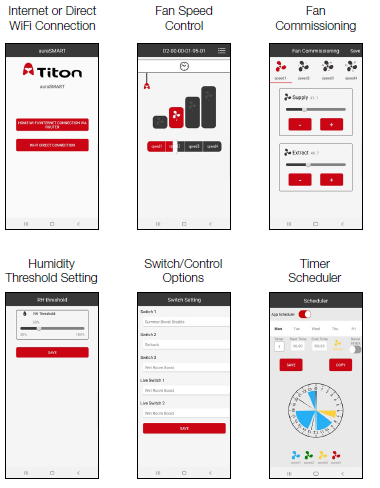
The new auraSMART® app available using Android or iOS mobile devices allows greater flexibility and control. With a user friendly interface, easy monitoring of your whole house ventilation systems is possible. Ideal for commissioning to guide the install process, the new auraSMART® app can cater for it all. Helping you to maintain indoor air quality for a healthy home environment.

auraSMART® app

Features & Benefits

  • Greater flexibility and control of your MVHR
  • Available on android or apple platforms
  • Clear and simple interface for ease of use
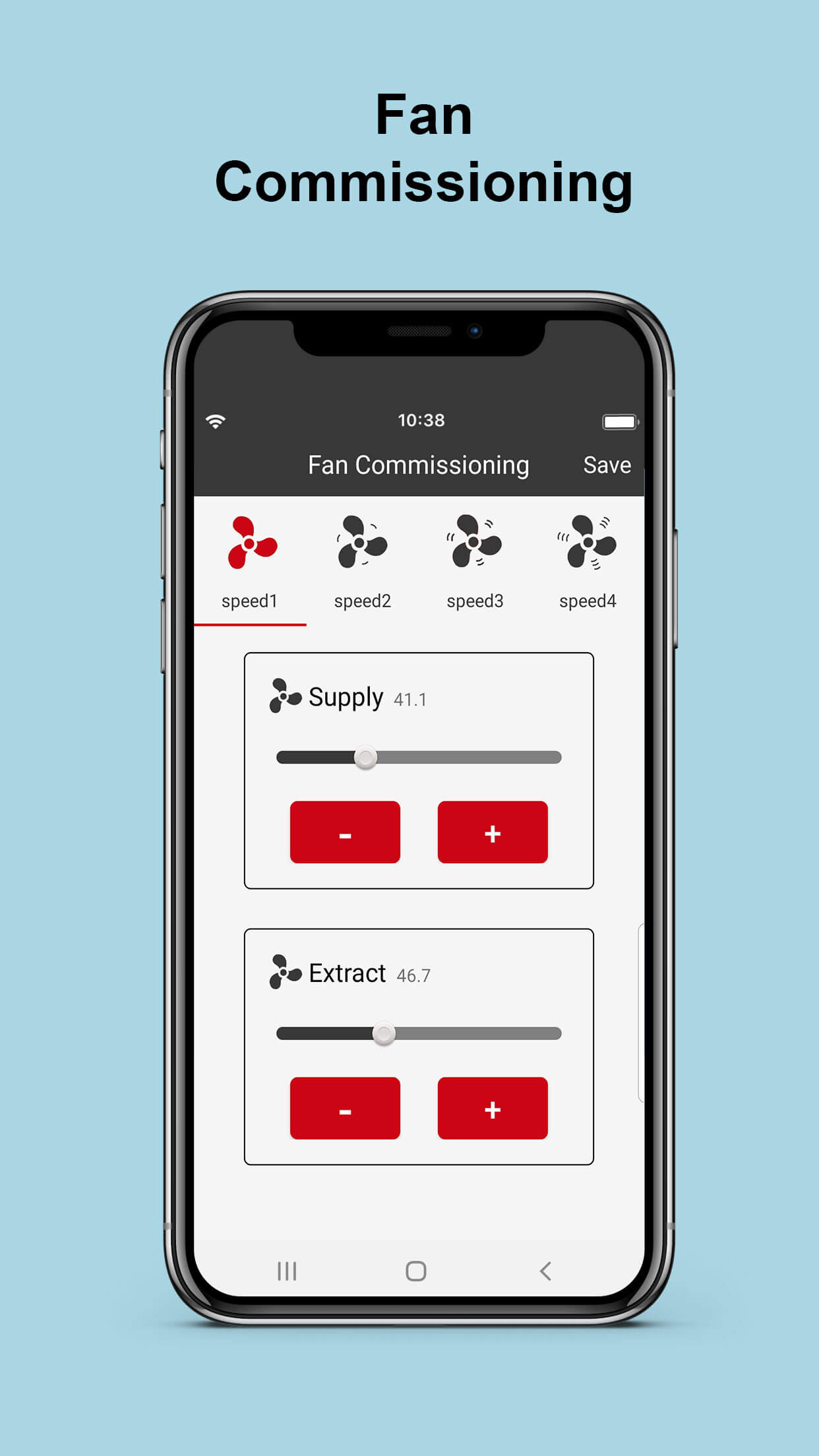
  • Simple and straightforward commissioning
  • MVHR status, including service information
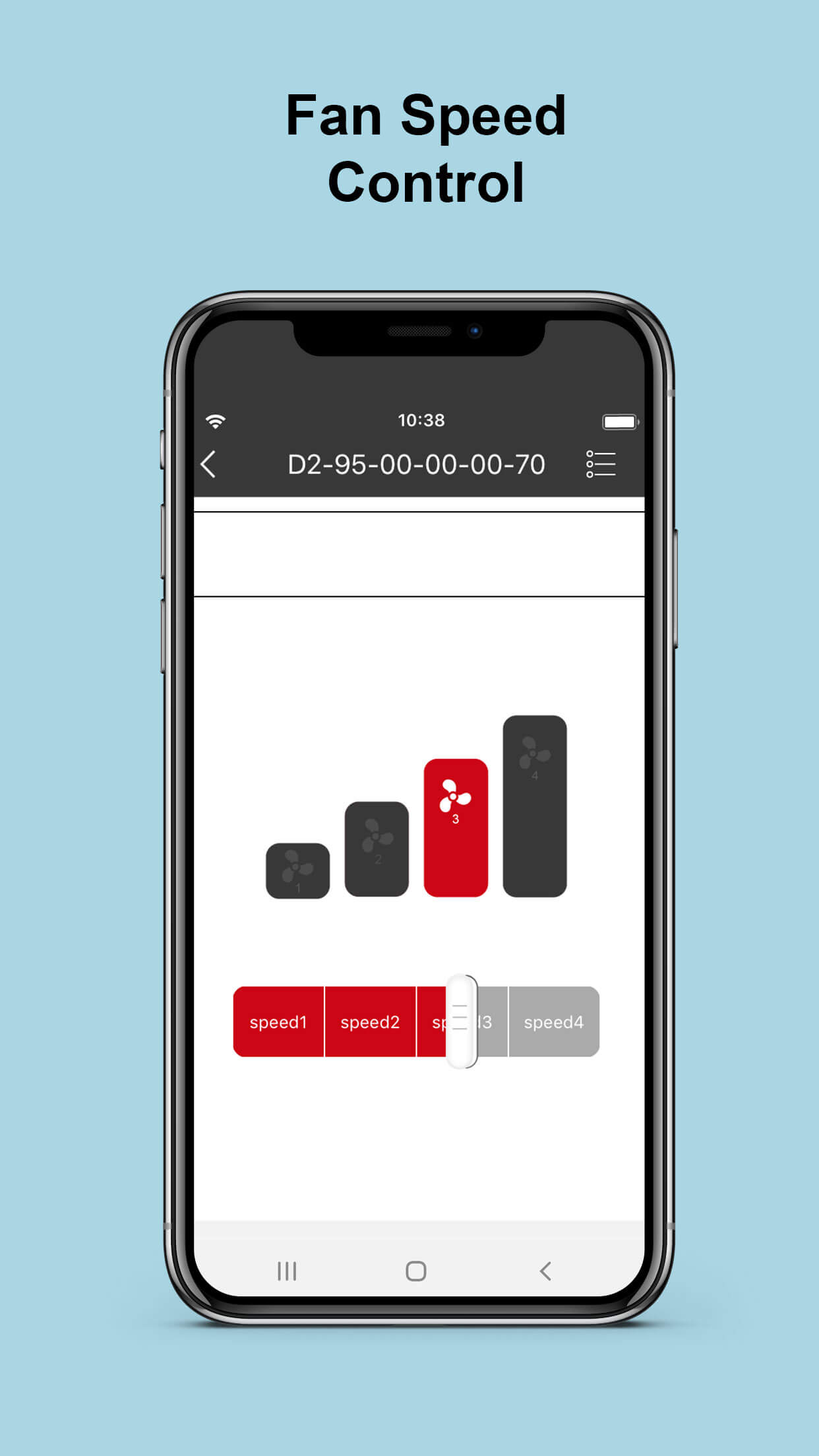
  • Monitor and control functions
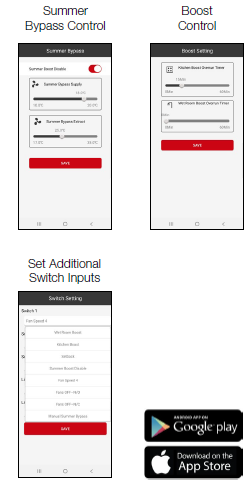
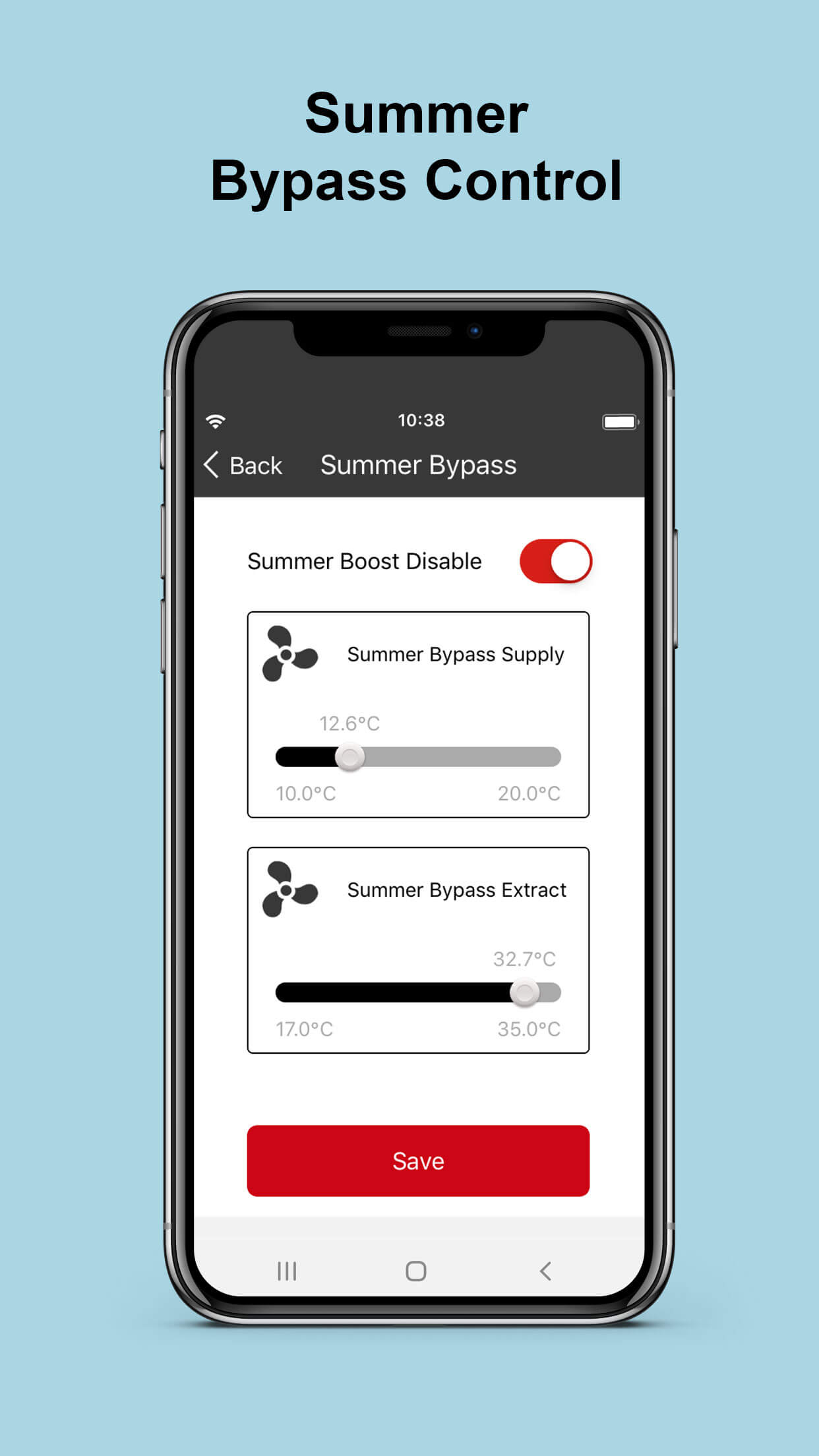
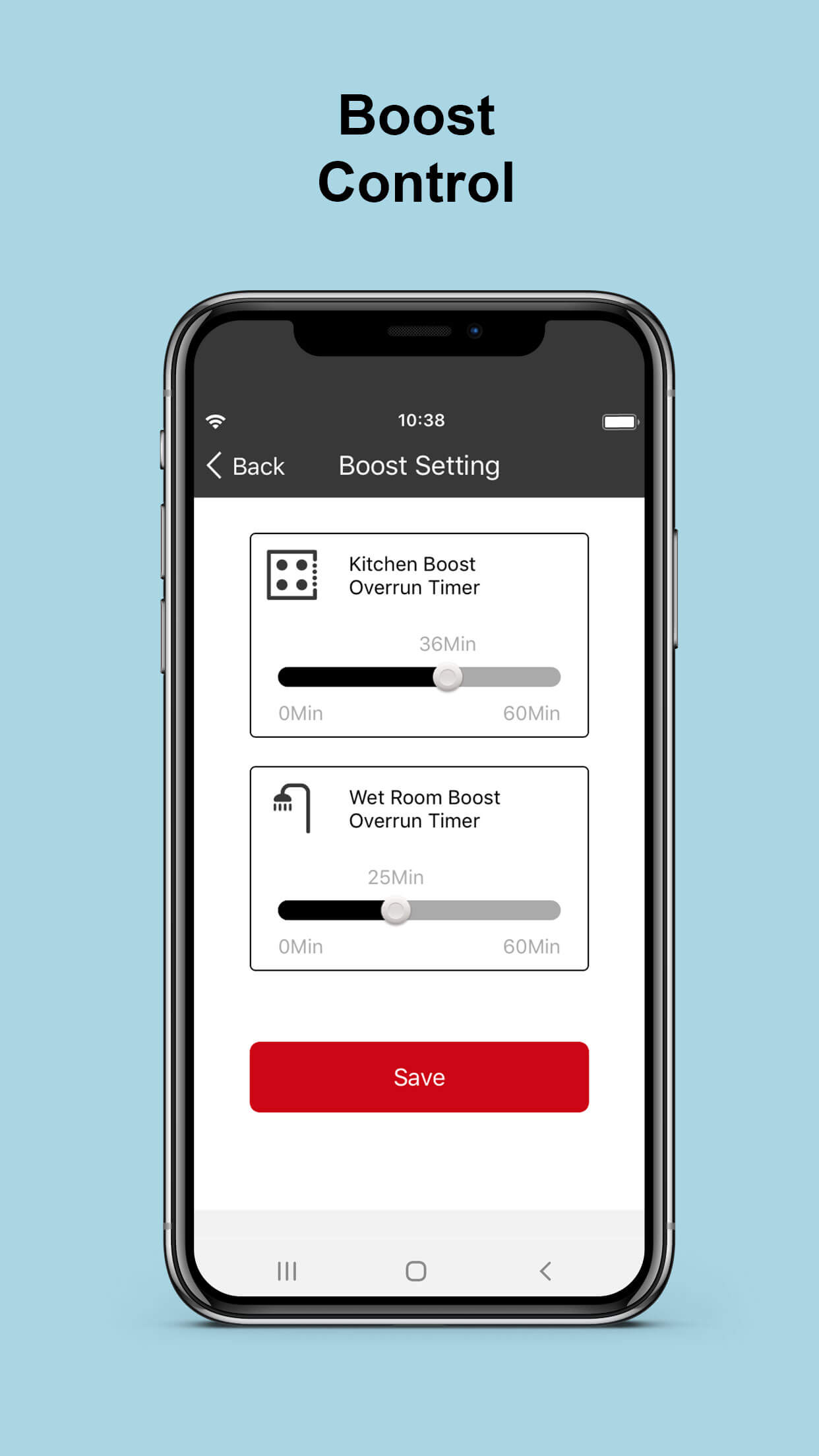
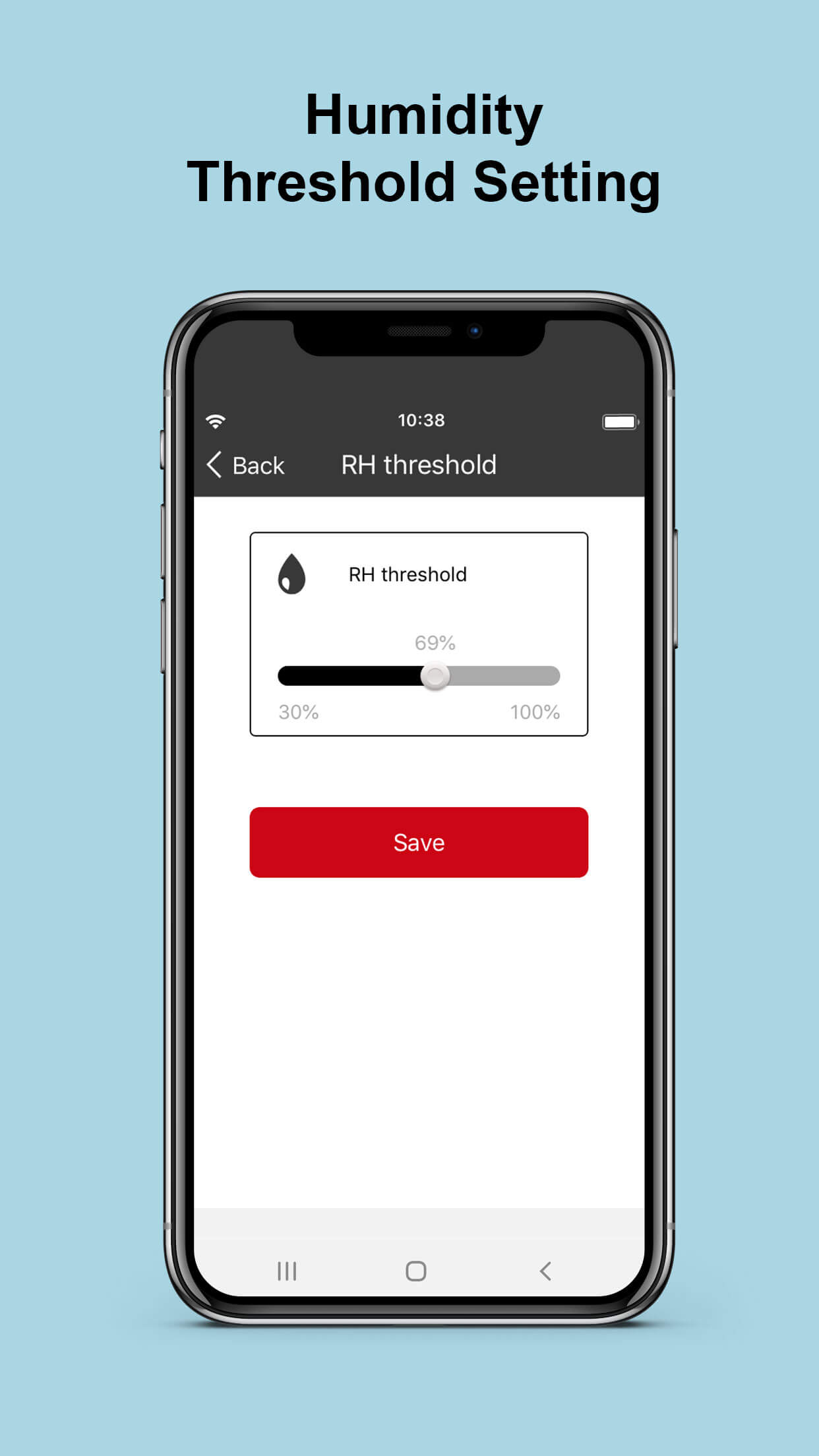
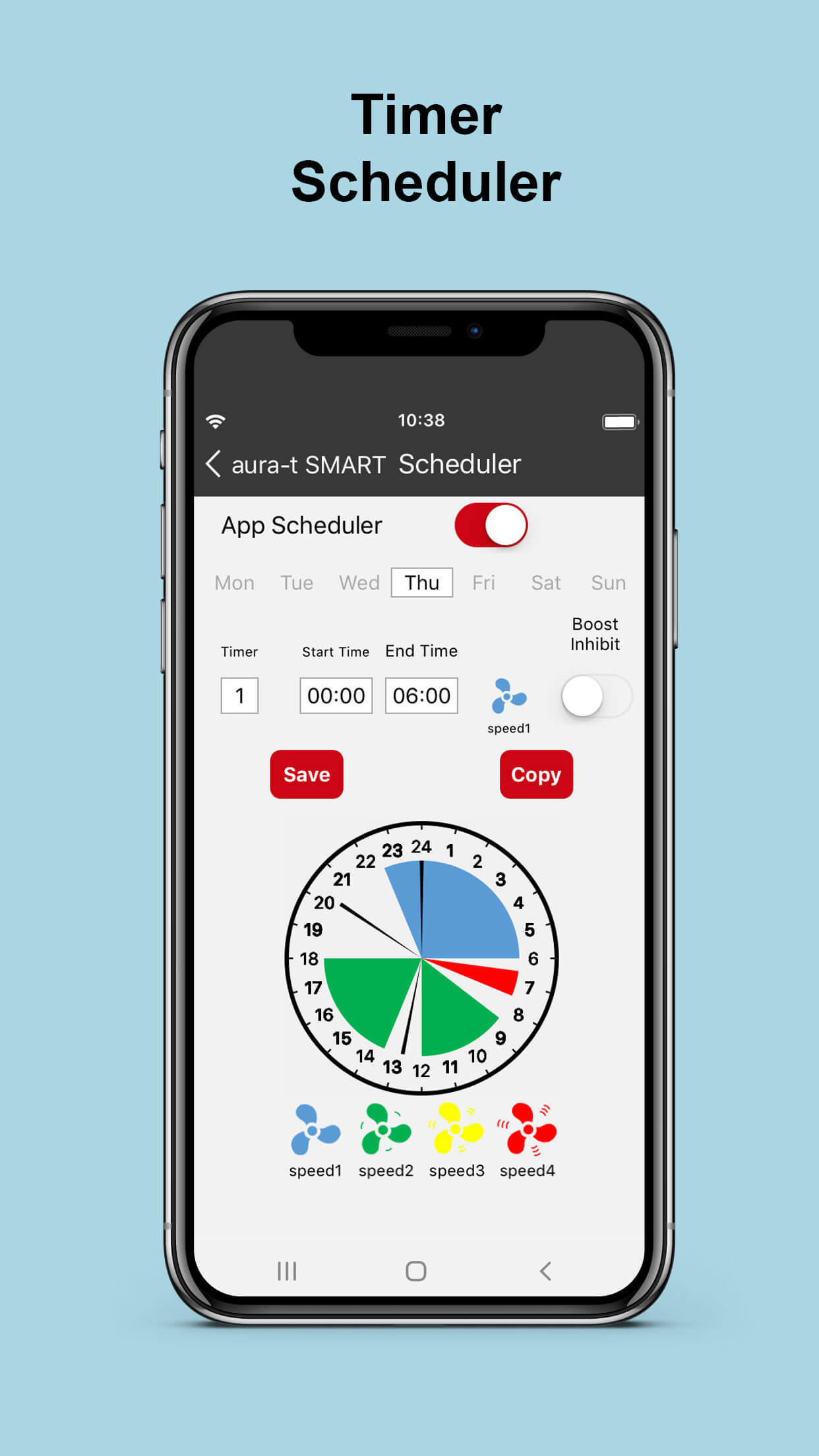
  • Set-point adjustments, RH, boost overrun times etc.
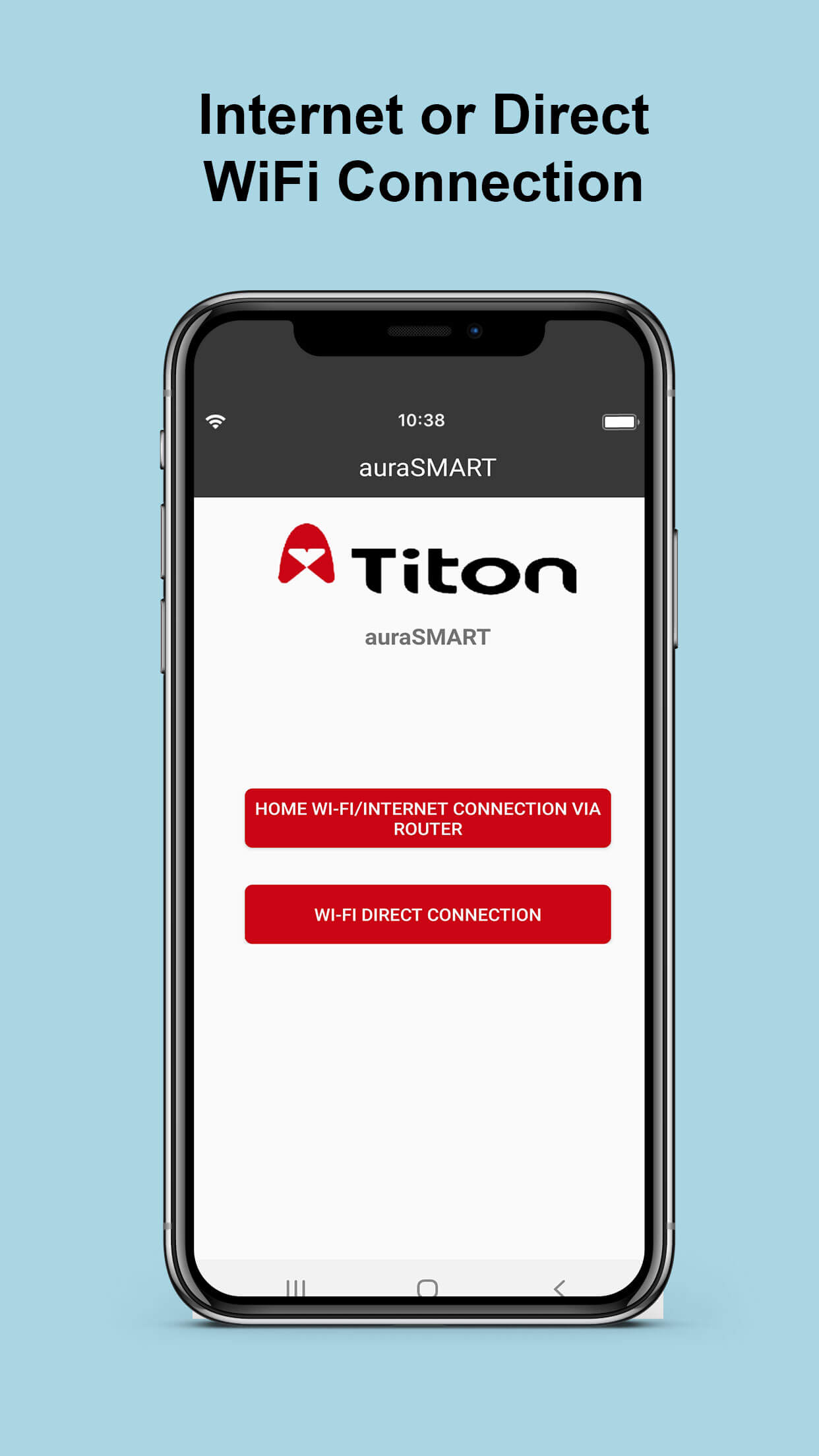
  • WiFi direct connection for installers (no internet required)
  • Full internet connection enables users to check and amend their ventilation whilst away from the home
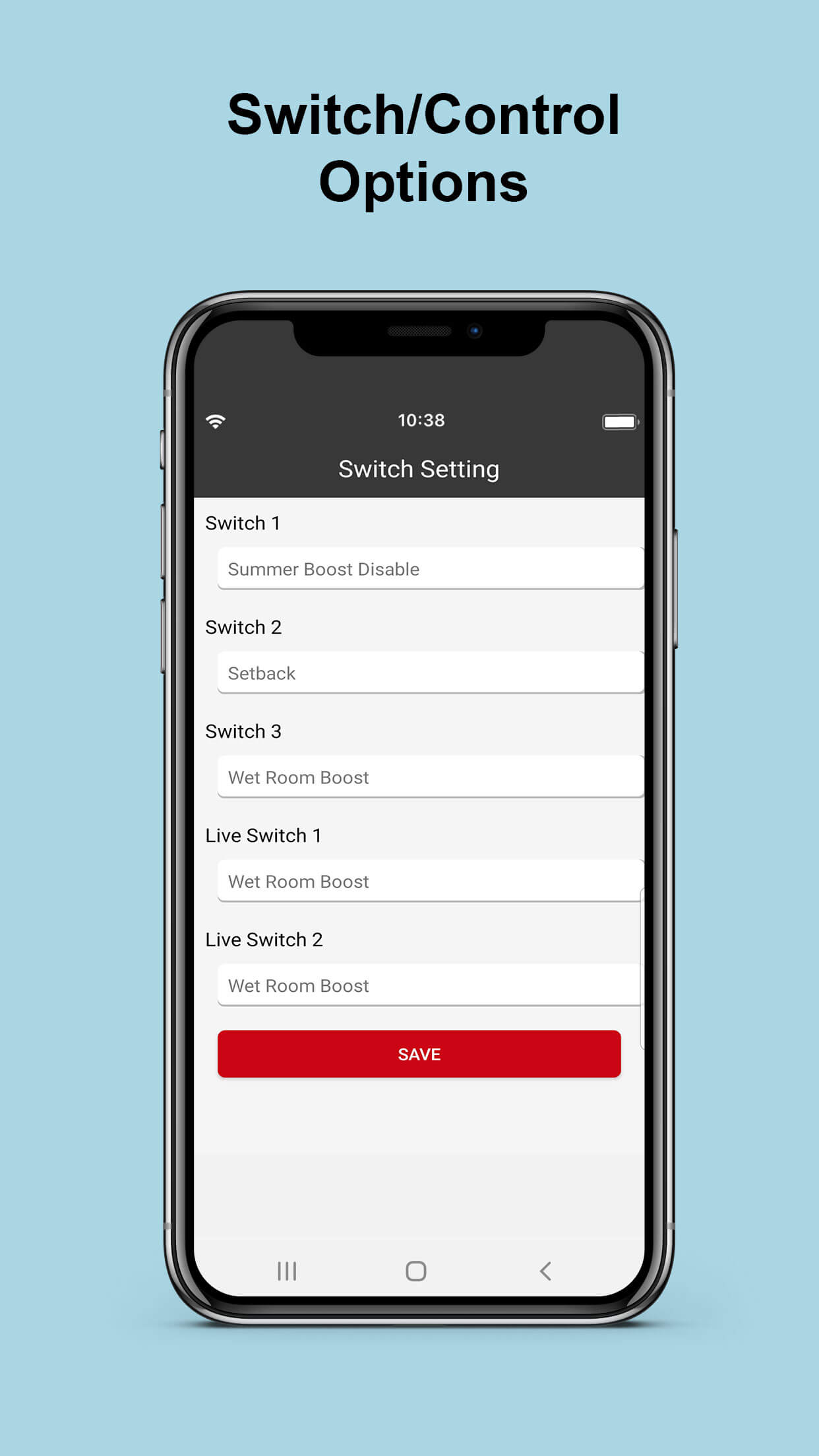
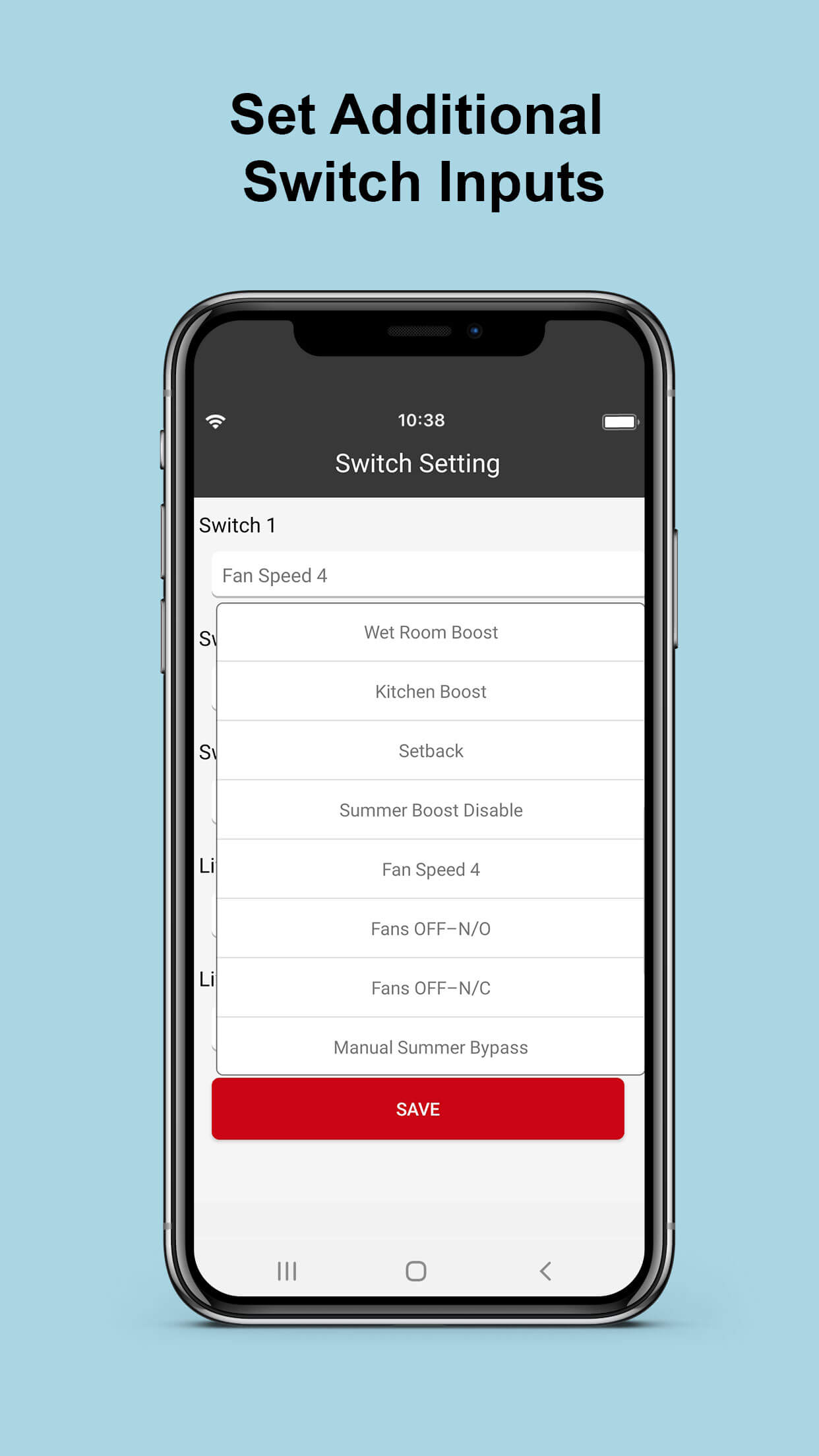
  • Assign different functions to switch inputs on the controller
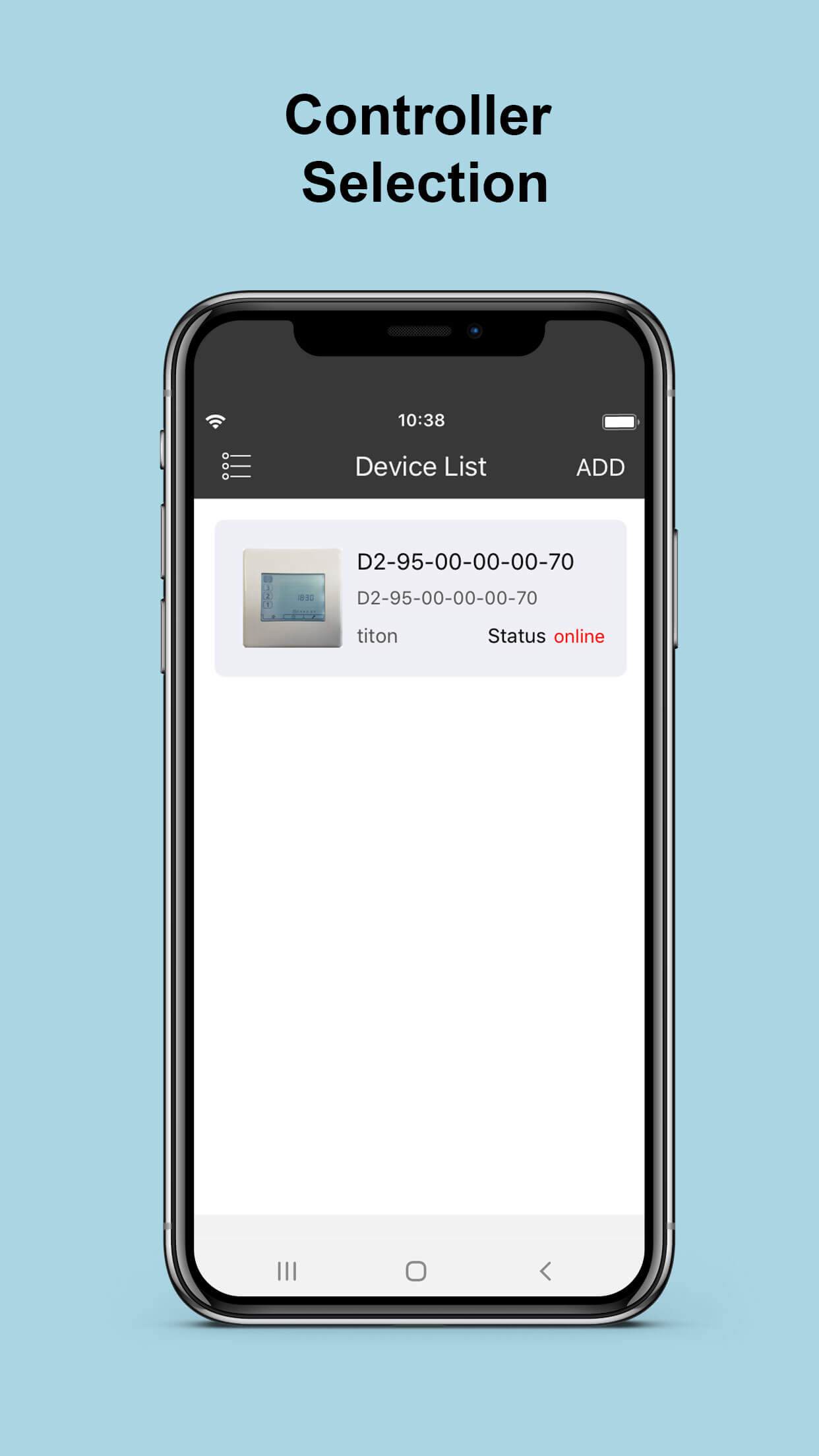
  • Link to multiple HRV units from the same APP
  • Compatible with B and B2 models Titon HRV control systems with WiFi enabled and aura-t™ SMART (WiFi) controller only
  • Connects via 2.4 GHz Wi-Fi only. Please consult your internet provider for assistance with router setup, if necessary

Technical Information

Product Codes and Specific features

Description

auraSMART® app is available on google and apple platforms. Compatible with aura-t™ SMART (WiFi) TP736 controller only auraSMART® app is a multi-language controller where the user can select from the following languages:
  • English
  • Dansk
  • Dutch
  • French
  • German
  • Italian
  • Spanish
  • Polish
  • Lithuanian
  • Russian
  • Ukrainian
  • Slovenian
  • Hungarian
  • Slovakian
  • Czech
  • Latvian
  • Estonia

App Functions

Please note, if you are unable to see app screen fully, please adjust font size to be able to see screen clearer.

Resources

MANUALS & DOCUMENTATION

(1)
Loading resources...
Still have questions?

Our team is here to help get in touch today!

Call me back

Login

Basket